POS -- Hot & Cold by Growith

One POS for the hot side and the cold side.

Espresso drinks, boba, scoops, and pastries all ring up on the same screen. Your staff learns it in a morning, and every order goes to the right station.
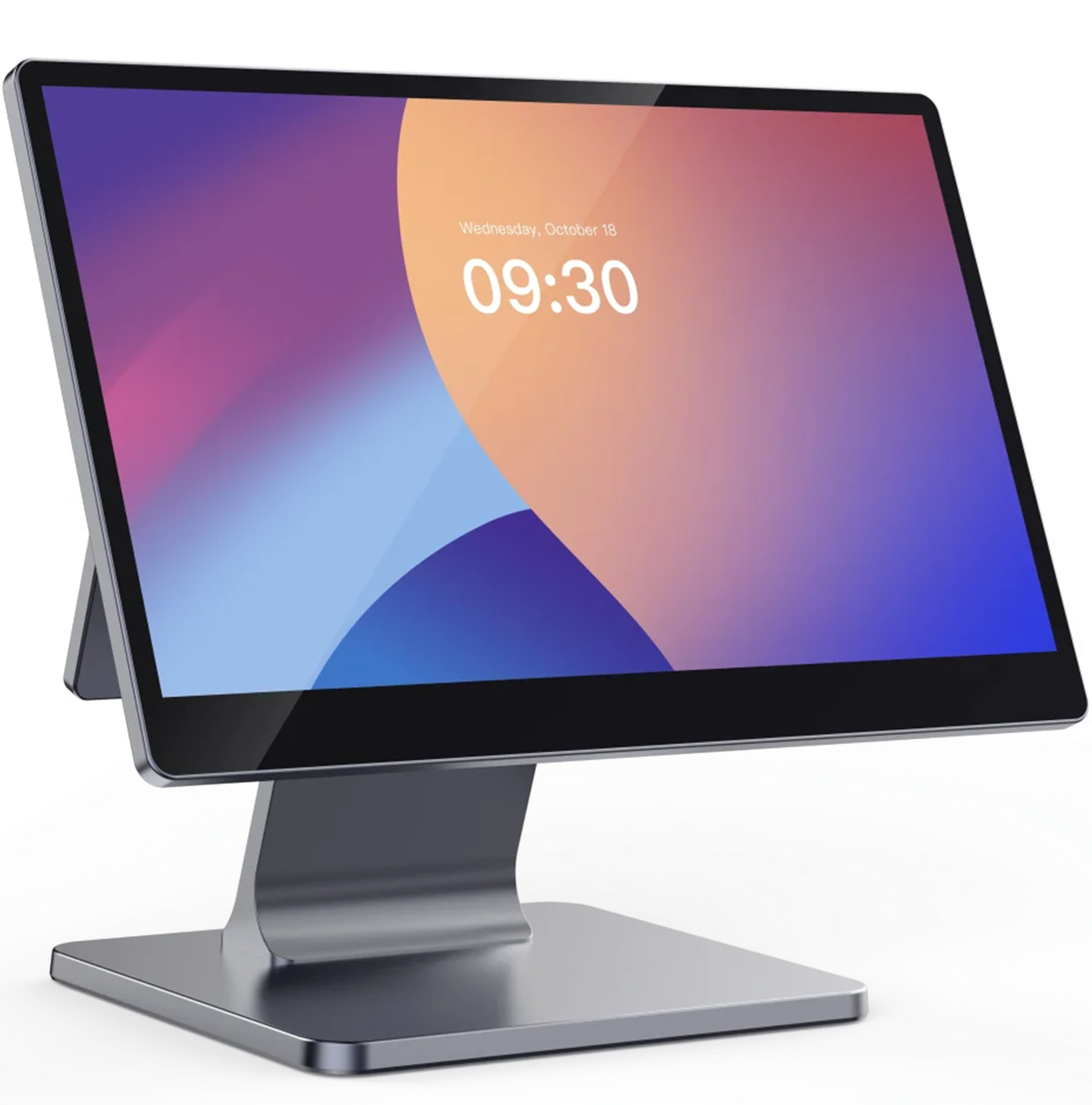
The Hot & Cold POS

Hardware that works together.

From the counter to the back room, every device runs as one connected system.

The POS
Flagship
POS

The main screen that runs your whole shop.
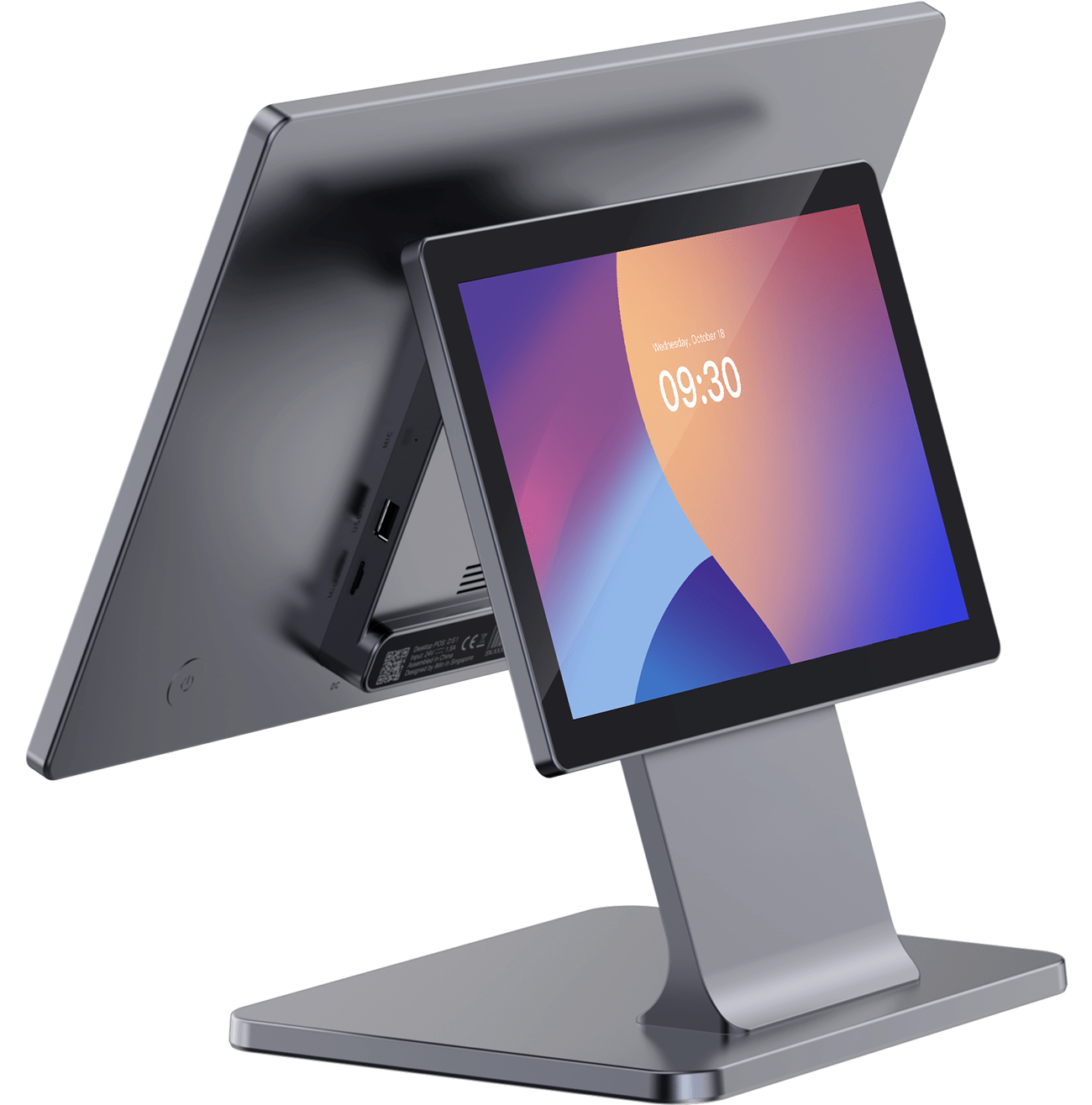
Customer display
Customer Display
Customer Display

Customers see their order and total as it is rung up.
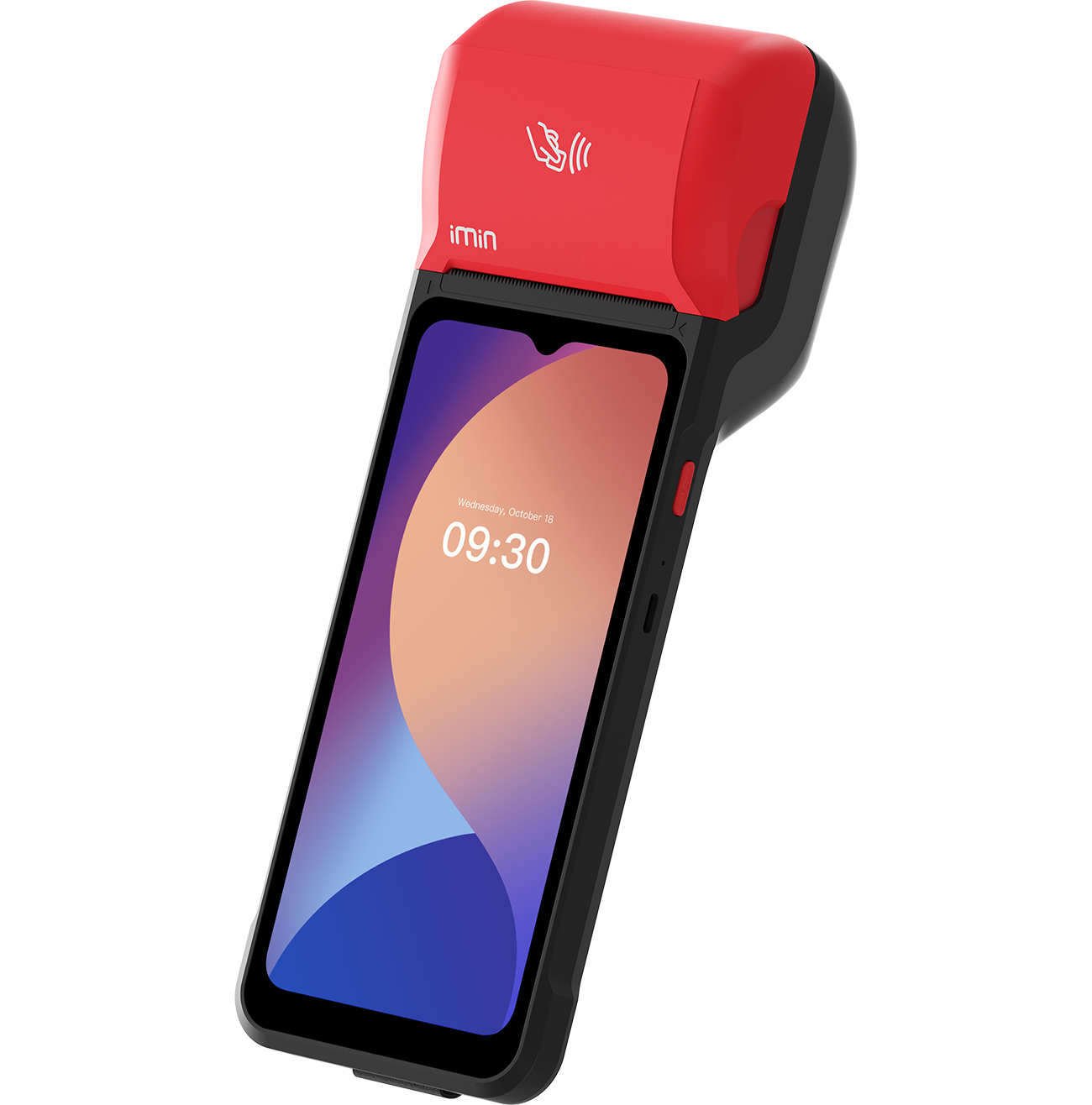
Handheld
Handheld
Handheld

Take orders and payments in line or on the patio.
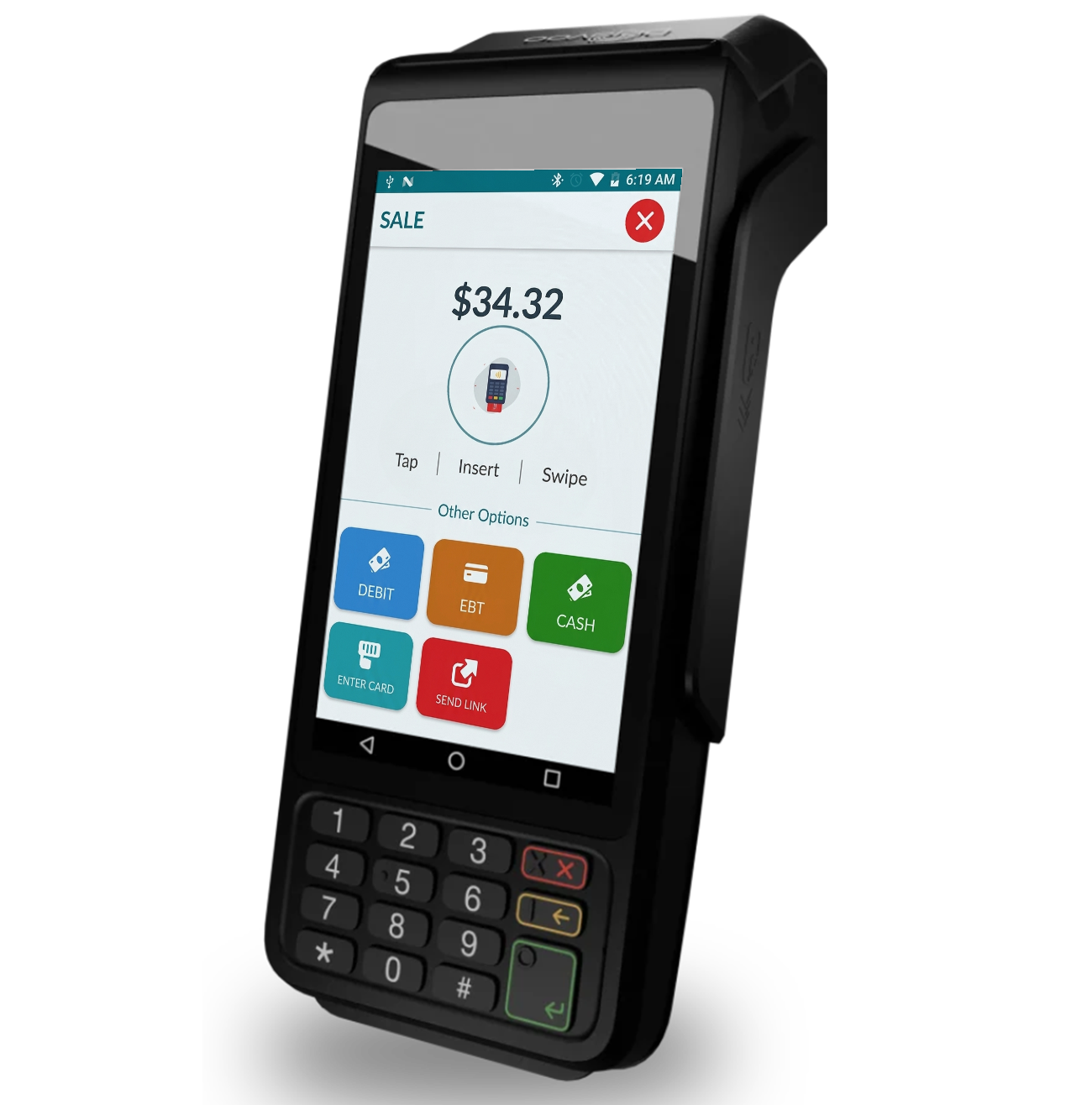
Payment terminal
Payment Terminal
Payment Terminal

Tap, chip, and swipe payments that keep the line moving.
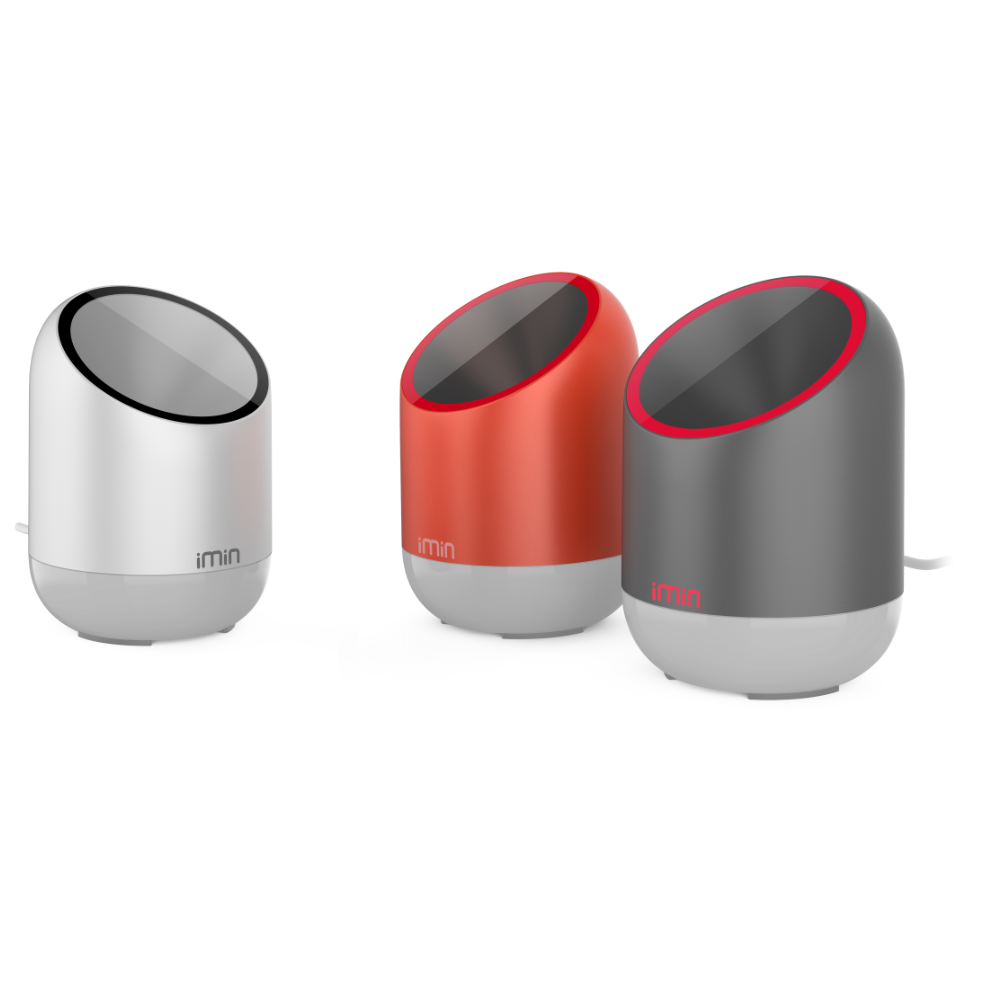
Scanner
Scanner
Scanner

Scan packaged items, retail goods, and gift cards.
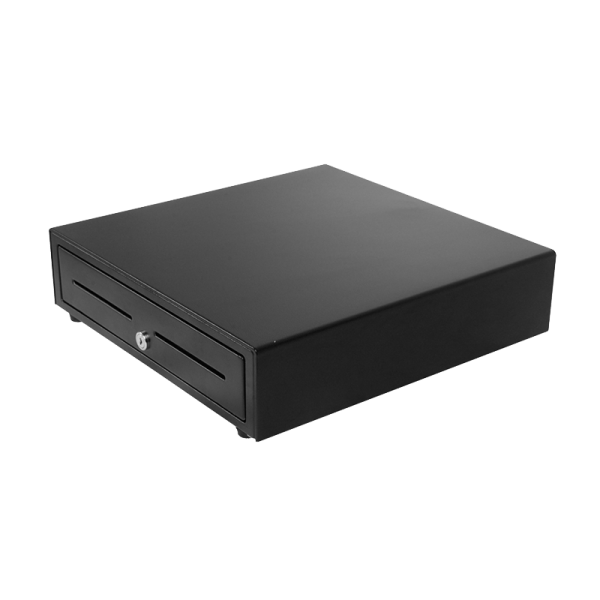
Cash drawer
Cash Drawer
Cash Drawer

Secure cash storage tied to each shift.
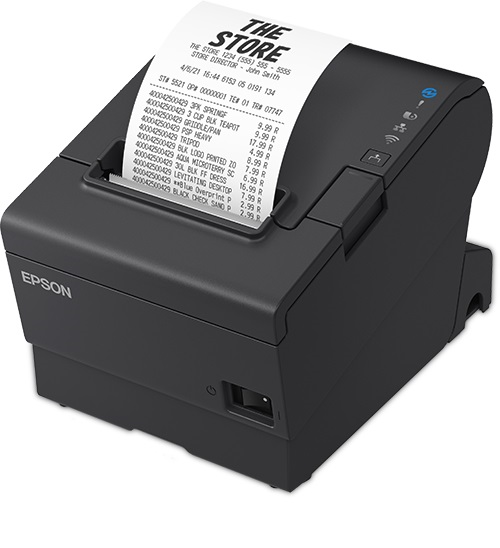
Receipt printer
Receipt Printer
Receipt Printer

Fast receipts at the counter and tickets at each station.

AI native

The POS comes with AI built in.

It watches your sales and handles the routine work, so you can run the shop instead of the reports.

Answers the phone

Picks up every call, answers questions about your hours and menu, and takes orders around the clock.

Knows your top sellers

Shows your best selling drinks and food each day and each week, without you pulling a report.

Finds your best margins

Shows which items make you the most money, not just which ones sell the most.

Watches your inventory

Tracks what you use and tells you what to reorder before you run out of it.

Fills slow hours

Spots your slow hours and sends offers to your customers to bring people in.

Suggests add-ons

Recommends a pastry or a larger size at checkout, online, and on the phone.

Built into every POS

See all features
Size, milk, ice, and sweetness options on one screen Orders routed to the right station automatically Online, kiosk, and phone orders on the same screen Time clock and shift tracking on the POS Loyalty points earned at checkout Sales reports by hour, item, and staff member

Questions about the register.

What it takes to run it, what happens when things go wrong, and what comes in the box.

Anything else you want to see? Book a demo and we will run it live.

How long does it take staff to learn?
A morning for most people. The screen is laid out the way a barista builds a drink rather than the way software files a menu, so size, milk, ice, and sweetness all sit on one screen instead of behind submenus. New hires are usually taking orders by their second shift.
Do I need every piece of hardware on this page?
No. Most shops start with the POS, a payment terminal, a receipt printer, and a cash drawer. Add a handheld when you are running a patio, a customer display when the counter is deep, a scanner when you sell packaged goods. Everything talks to the same account whenever you add it.
What happens if the internet goes down?
The register keeps ringing and keeps taking cards. Orders and payments sync as soon as the connection returns, so an outage during the morning rush does not turn into a line walking out the door.
How do orders reach the right station?
You set the routing once per item, then it happens on its own. Hot drinks print at the espresso bar, cold drinks at the blender station, and food goes to the kitchen. One ticket with a latte, a smoothie, and a croissant splits itself across all three.
Can I take payments away from the counter?
Yes. The handheld is a full register, so you can take orders down the line, on the patio, or at a market stall. It runs on the same menu and reports into the same day's totals as the counter.
Is the hardware free?
Shops that switch get the terminal, card reader, receipt printer, and cash drawer at no charge, and it arrives with your menu already loaded. There is no hardware invoice and no install fee.
How many registers and staff logins do I get?
Unlimited staff logins, and your registers at one location are covered. Everyone clocks in on the register, and sales report by hour, item, and staff member without anyone sharing a code.
How hard is it to change the menu or a price?
One edit, everywhere. Change a price, add a seasonal flavor, or mark something sold out and it updates on the register, your website, the kiosk, and the app at the same time. That includes every size and milk option attached to the item.
Is the AI an add-on, or does it cost extra?
It comes with the POS. Phone answering, the sales and margin reporting, the inventory warnings, and the checkout suggestions all run on the sales already flowing through your register, so there is nothing to connect and nothing extra on the bill.
How long does switching from my current POS take?
Most shops close on their old system and open on ours the next morning. We build the menu, modifiers, and printer routing and check it against your old system before the hardware ships, and someone from our team is on the phone with you through the first rush.

See it with your menu on the screen.

Book a 15-minute demo. We will load your drinks and walk you through a full order, from the tap to the ticket.